Getting Started#
Introduction#
lacosmic is a Python package to remove cosmic
rays from an astronomical image using the L.A.Cosmic algorithm.
The algorithm is based on Laplacian edge detection
and is described in van Dokkum 2001 (PASP 113, 1420).
Preliminaries#
Let’s start by making a synthetic image with cosmic rays:
>>> from lacosmic.utils import make_cosmic_rays, make_gaussian_sources
>>> shape = (512, 512)
>>> data, error = make_gaussian_sources(shape, seed=0)
>>> cr_img = make_cosmic_rays(shape, n_cosmics=200, seed=0)
>>> data2 = data + cr_img
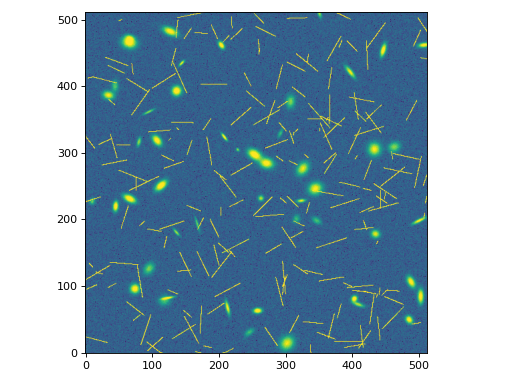
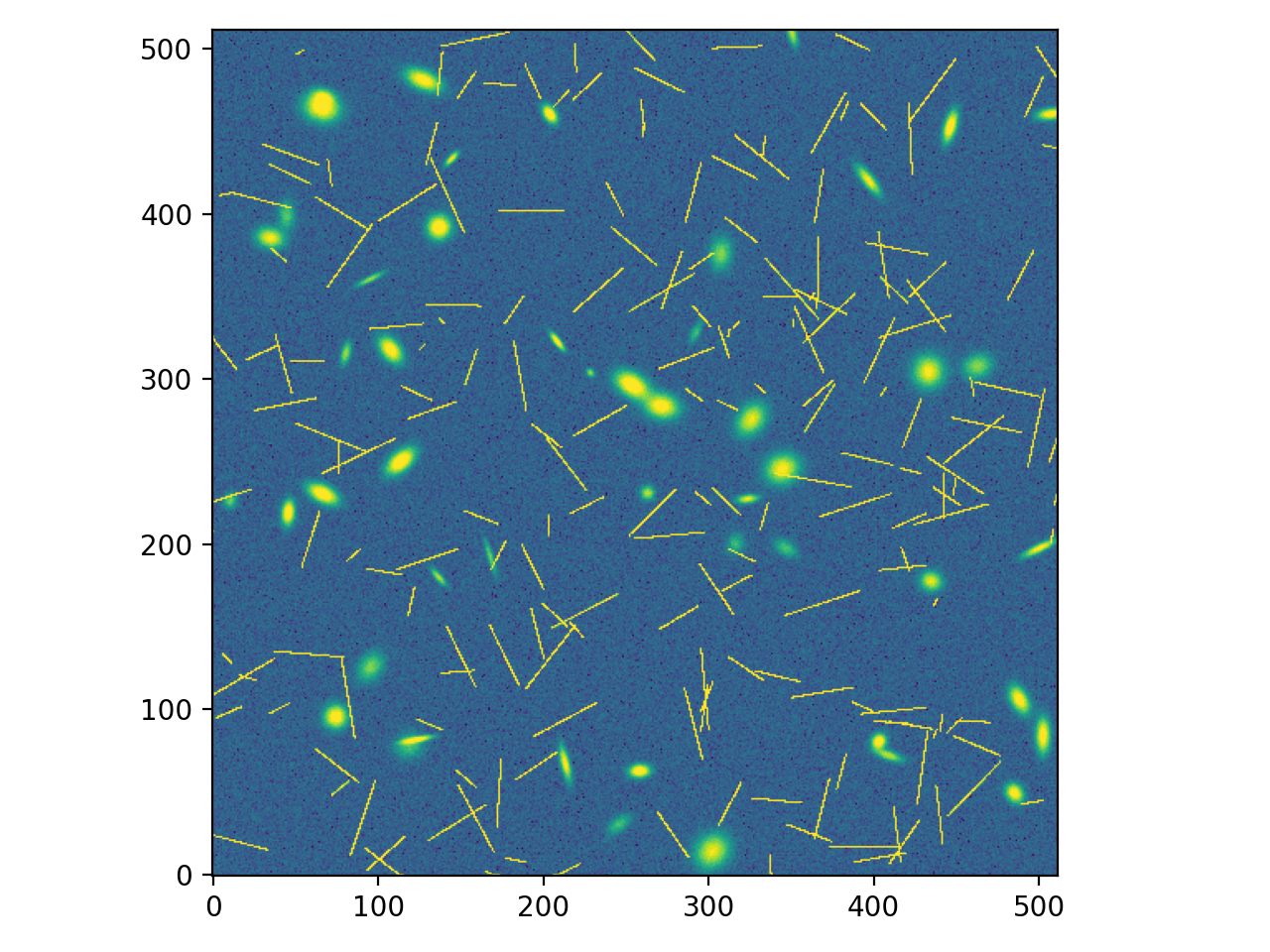
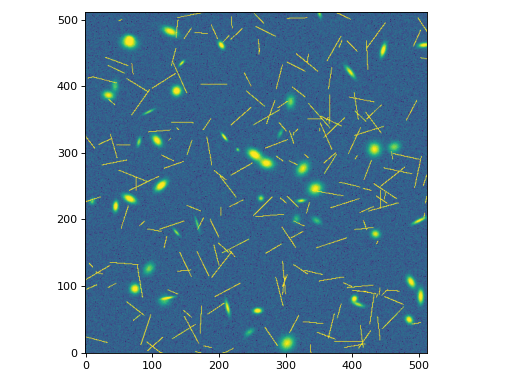
Let’s visualize the image with cosmic rays:
(Source code, png, hires.png, pdf)
Removing Cosmic Rays#
Now we can use the remove_cosmics() function to identify
and remove the cosmic rays. There are several parameters that can be
adjusted to optimize the detection of cosmic rays. Please refer to
the remove_cosmics() API documentation for details on
the available parameters. Here, we will input simple values for the
contrast, cr_threshold, and neighbor_threshold along with an
error array:
>>> from lacosmic import remove_cosmics
>>> clean_img, cr_mask = remove_cosmics(data2, 1, 5, 5, error=error)
clean_img is the cleaned image with cosmic rays removed, and
cr_mask is a boolean mask indicating the locations of the detected
cosmic rays.
Now let’s visualize the results:
(Source code, png, hires.png, pdf)
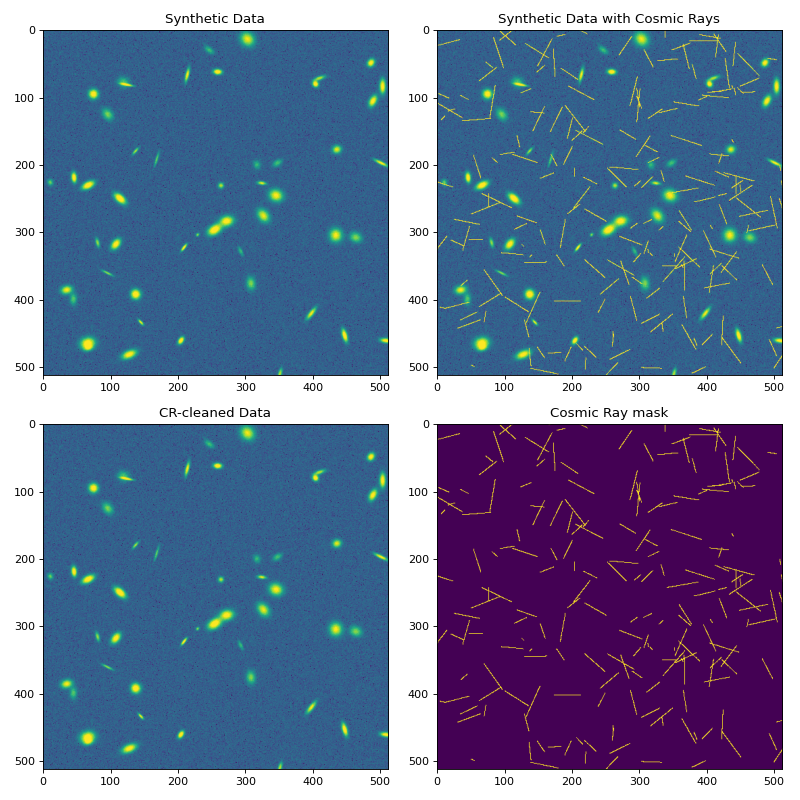
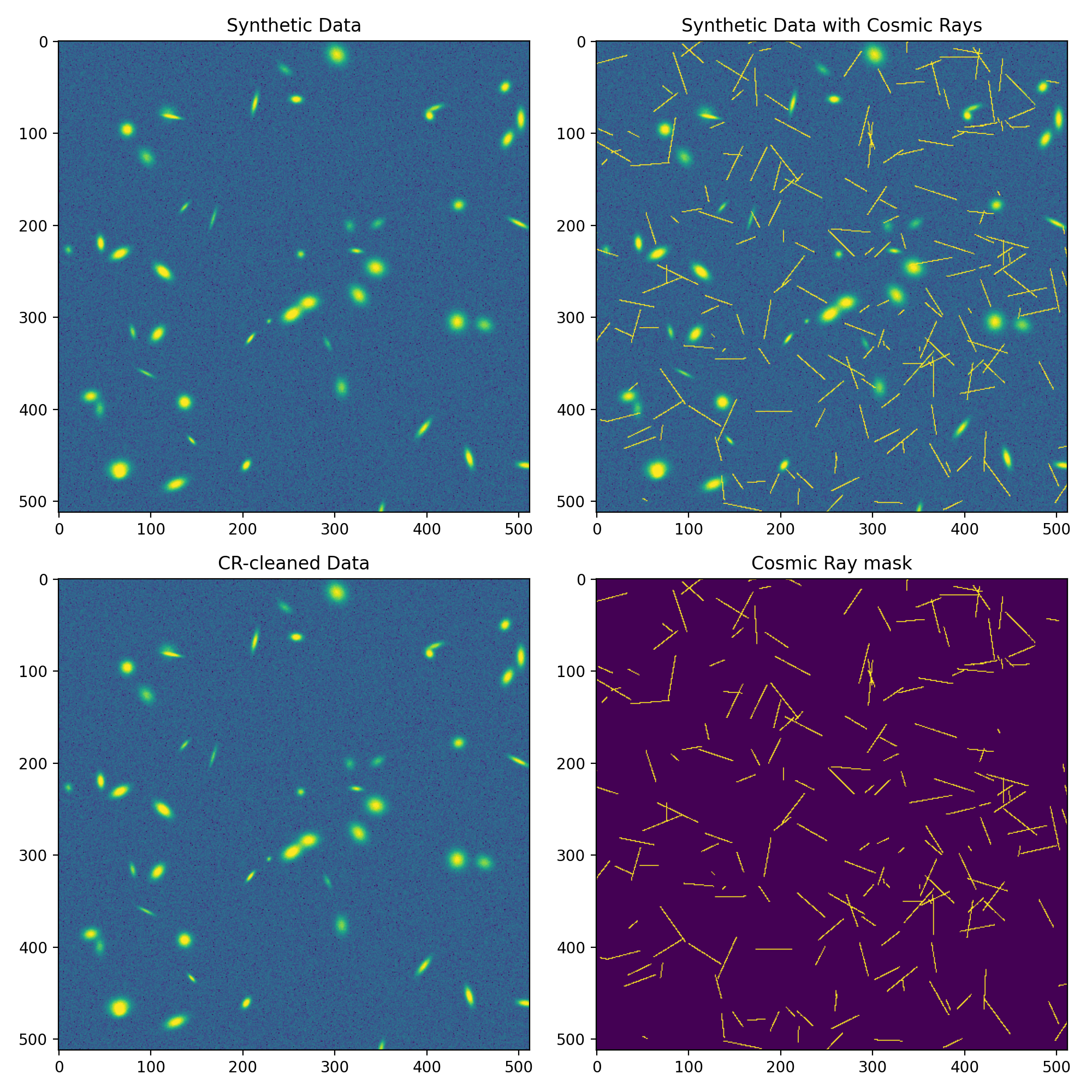
The top row shows the synthetic image without and with cosmic rays. The bottom row shows the cleaned image and the detected cosmic ray mask. While this is a simple example, you can see that the cosmic rays have been successfully identified and removed from the image.
API Documentation#
Functions#
|
Remove cosmic rays from an astronomical image using the L.A.Cosmic algorithm. |